Corvus
for Safari
Subscribe to your favorite websites, YouTube channels, and blogs. Read everything in one place with a native Safari extension for macOS, iOS, and iPadOS.
iOS 17.0+ · macOS 14.0+
Subscribe to your favorite websites, YouTube channels, and blogs. Read everything in one place with a native Safari extension for macOS, iOS, and iPadOS.
iOS 17.0+ · macOS 14.0+
Subscribe to any website that publishes an RSS or Atom feed. Corvus auto-discovers feeds on the page you're visiting.
Subscribe to any YouTube channel directly from its page. Corvus resolves @handles and custom URLs automatically.
Group your feeds into folders and nested sub-folders. Keep Tech, News, YouTube, and Design neatly separated.
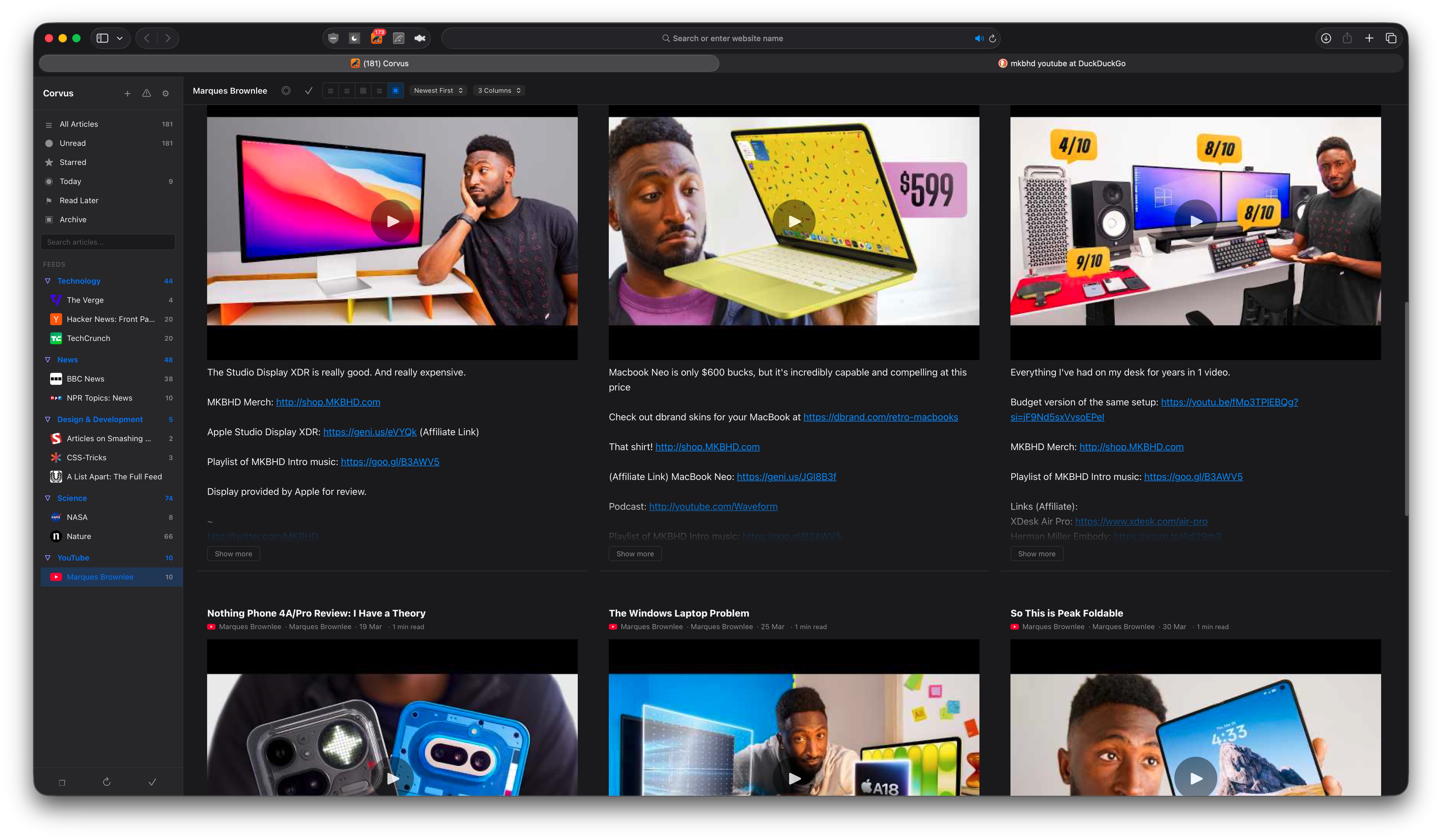
Magazine, list, card, expanded, and full-view layouts. Choose the reading experience that works best for you.
Save articles for later, star your favorites, and pin important items. Built-in smart feeds for quick access.
Navigate, star, refresh, and manage articles entirely from the keyboard. J/K to browse, S to star, V to open, and more.
Search across all your articles by title, content, or author. Find anything instantly, even in thousands of articles.
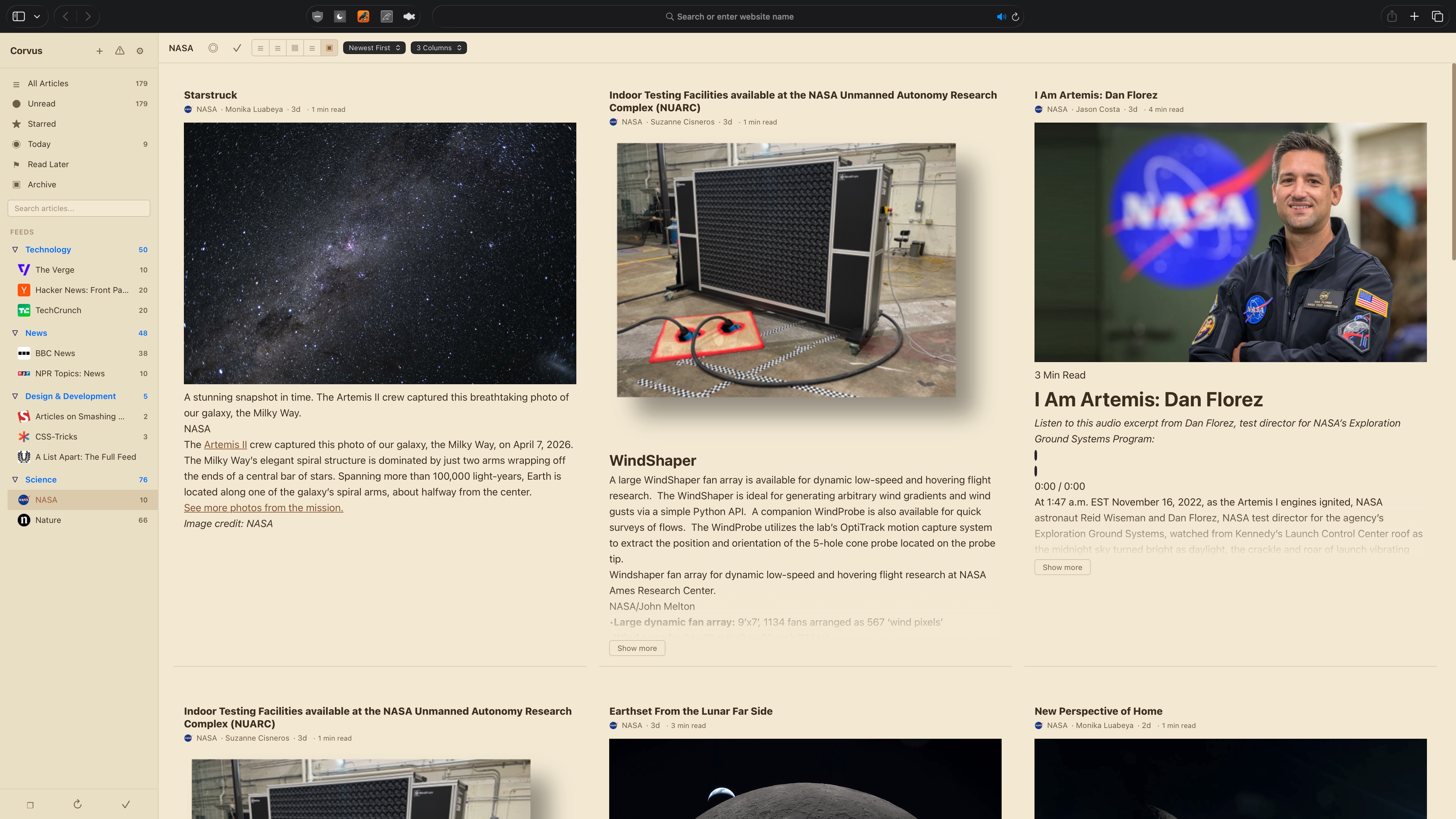
Light, dark, and auto themes. Customizable accent colors, font sizes, density settings, and newspaper-style column layouts.
Fully localized in English, Spanish, French, German, Japanese, Korean, Portuguese, Chinese, and more.
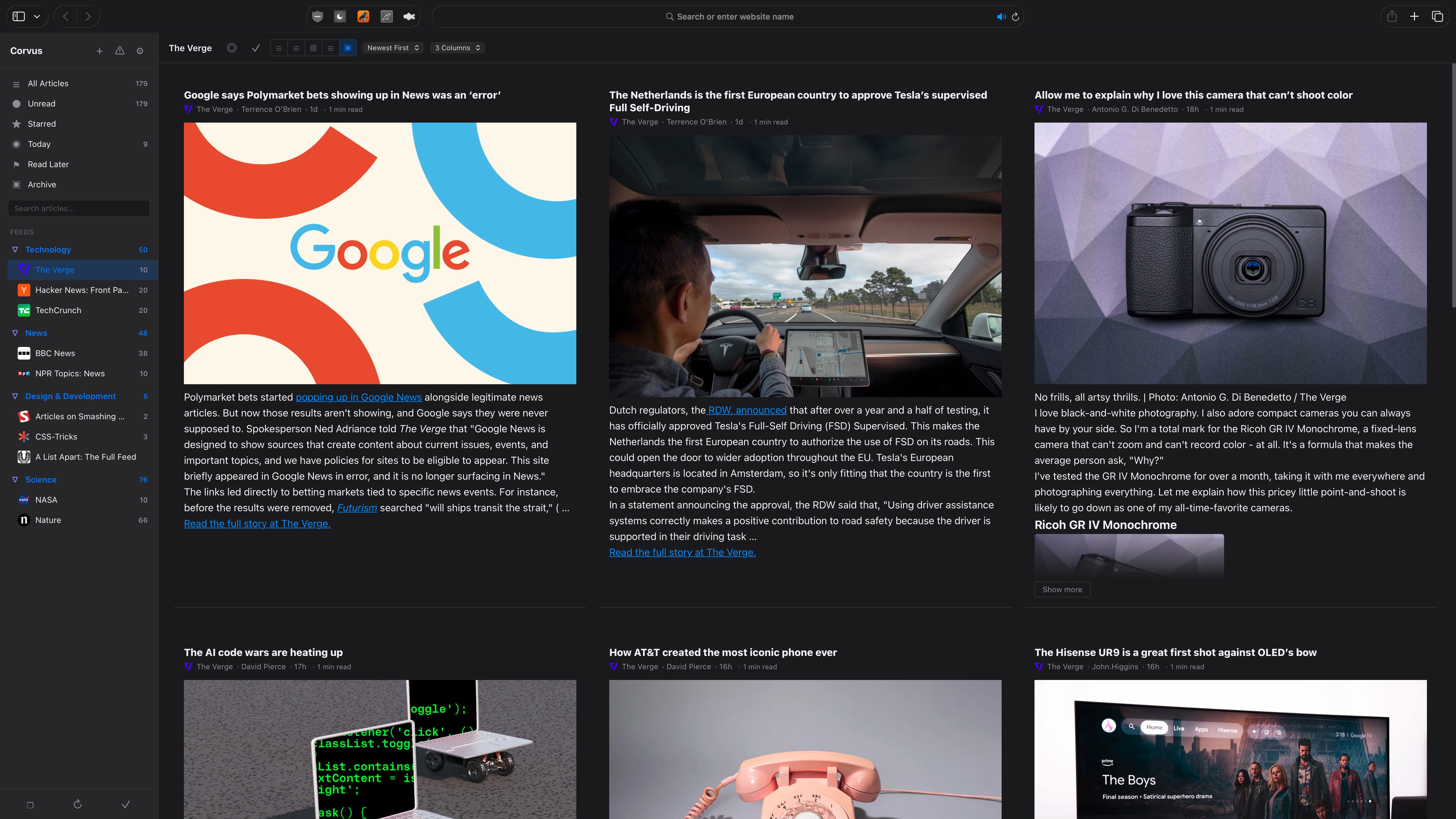
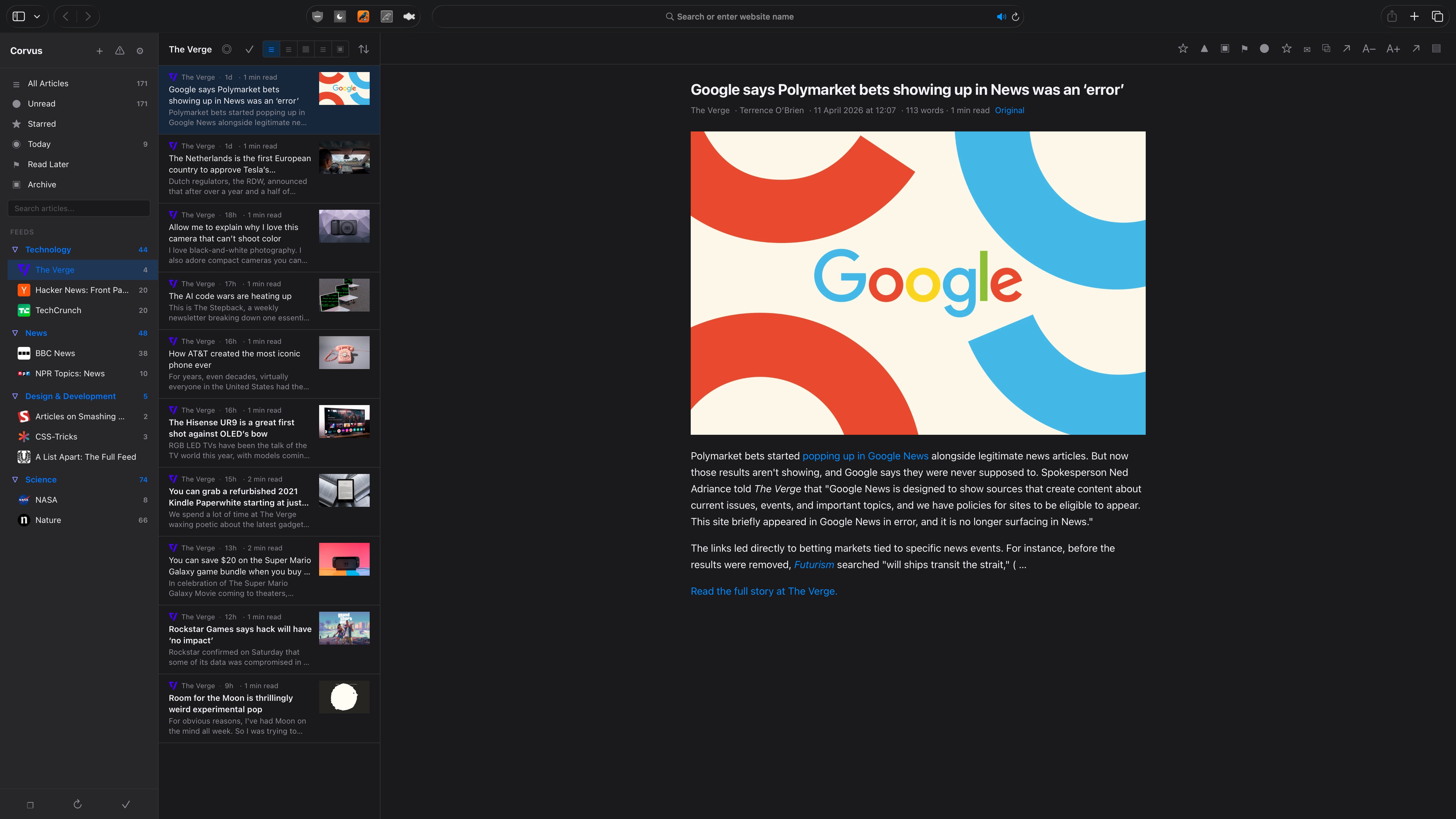
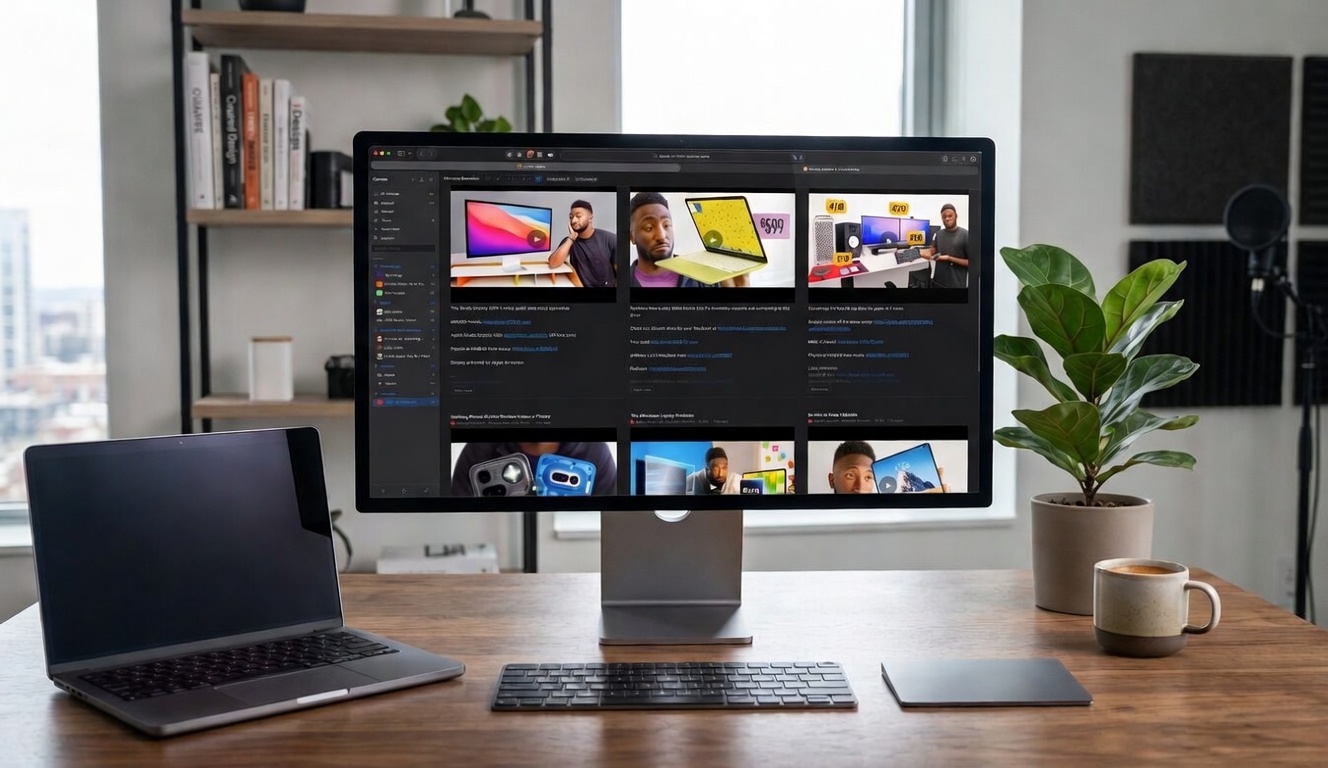
Sidebar, article list, and reading pane. Navigate your feeds with speed.
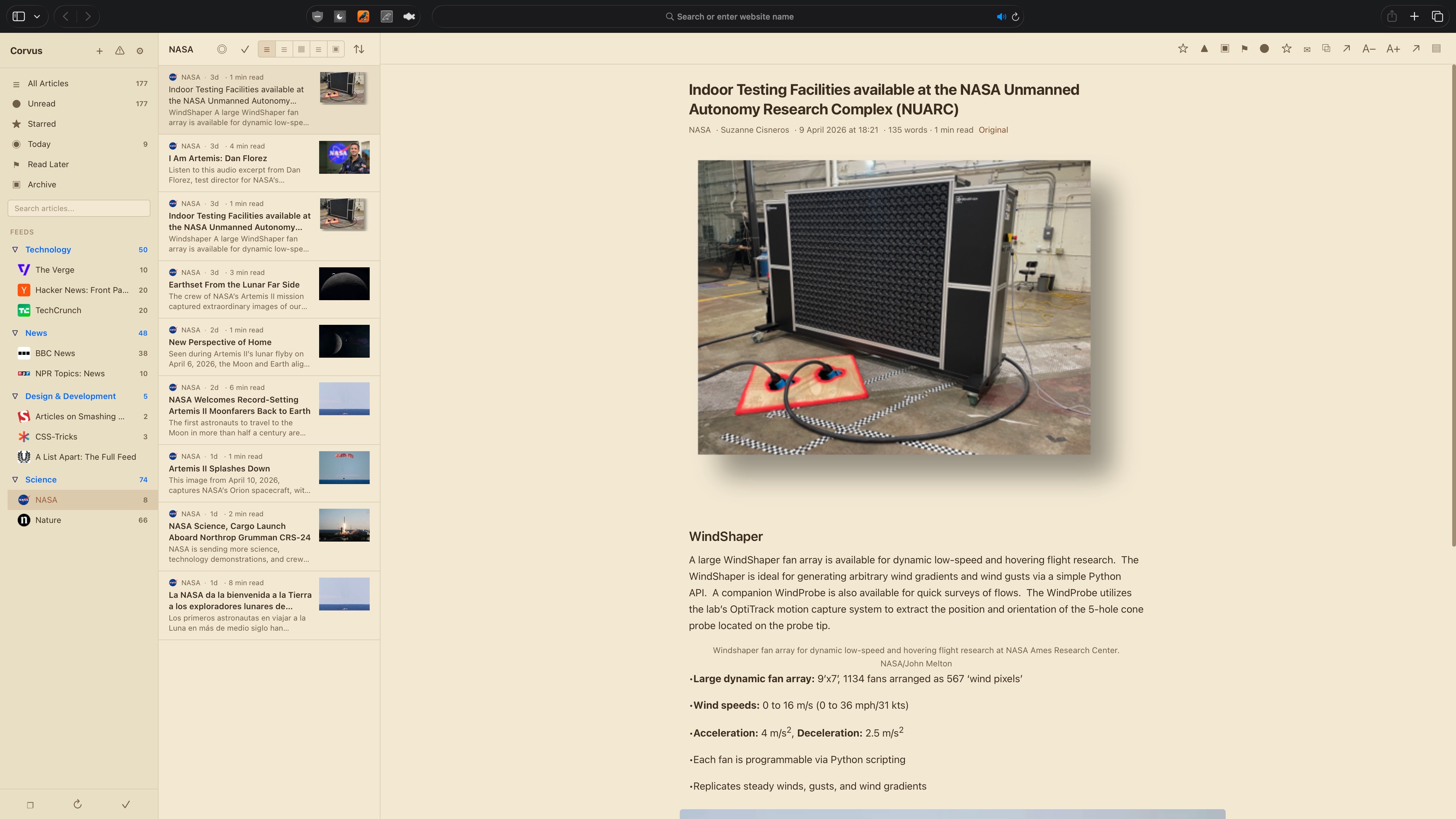
Choose the theme that suits your environment. Easy on the eyes, day or night.

Download Corvus from the App Store. Available on Mac, iPhone, and iPad.
Open Safari Settings, go to Extensions, and enable Corvus. Grant permission for the sites you want to subscribe to.
Visit any website or YouTube channel, click the Corvus icon, and subscribe. Your articles appear instantly in the reader.
No sign-ups, no cloud sync, no login walls. Your feeds live on your device, ready instantly. Open Safari and start reading.
Subscribe to blogs, news sites, YouTube channels, Reddit, GitHub releases, podcasts, and any site with an RSS or Atom feed.
Not a Chrome extension ported to Safari. Corvus is built specifically for Safari with native performance, no background processes, and zero data collection.
Requires macOS 14.0 (Sonoma) or later, or iOS/iPadOS 17.0 or later. Works with Safari 17+.